
Create a unique style based on the latest HTML standards
Contentteller comes with a powerful visual style editor that allows you to create a unique style within minutes. You can easily customize the HTML output of your website with the template editor or merge changes from the default template set to your custom template set.
Your Website.... Your Style
Instant Styles Editor
Contentteller makes it easy to create your very own unique style with the integrated Instant Styles editor.
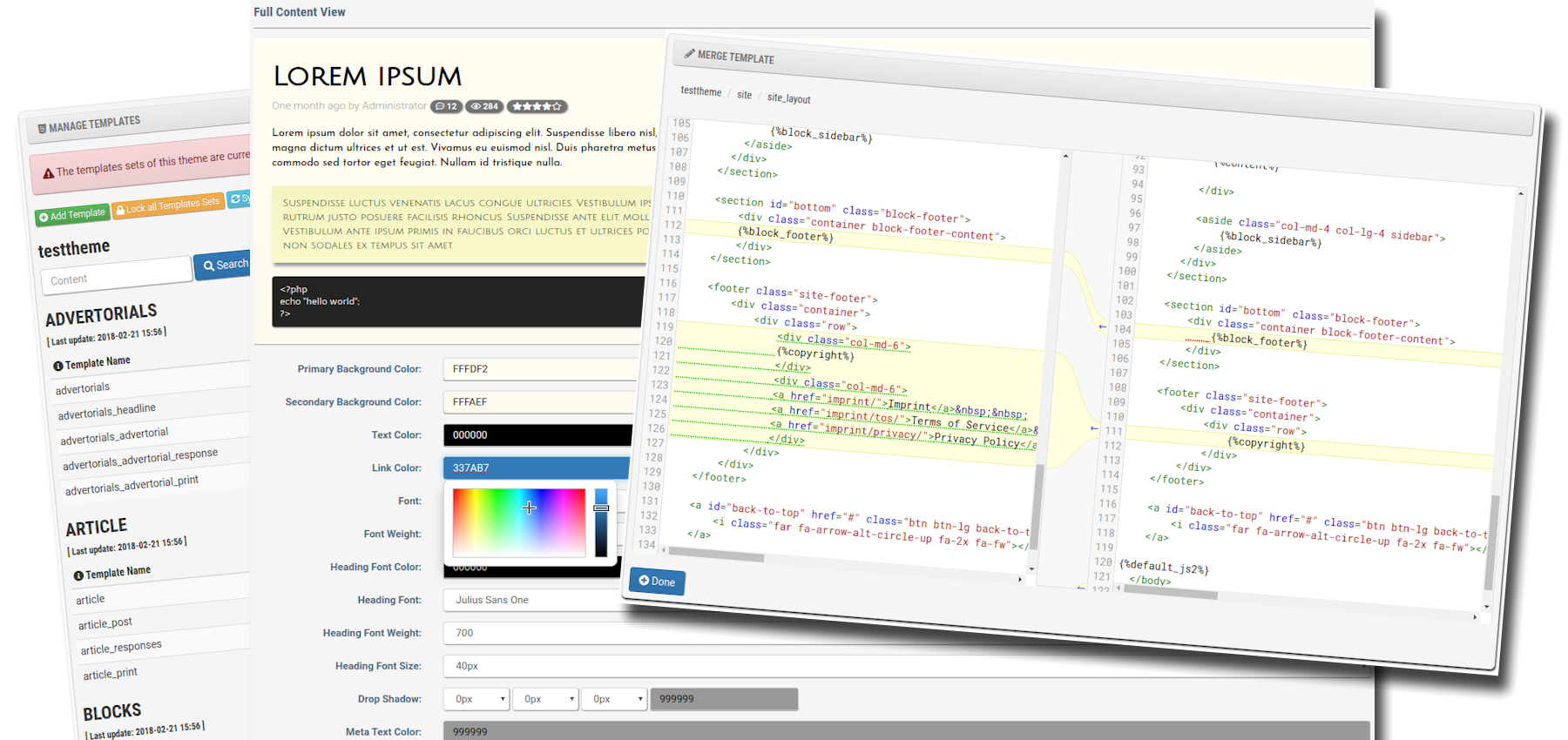
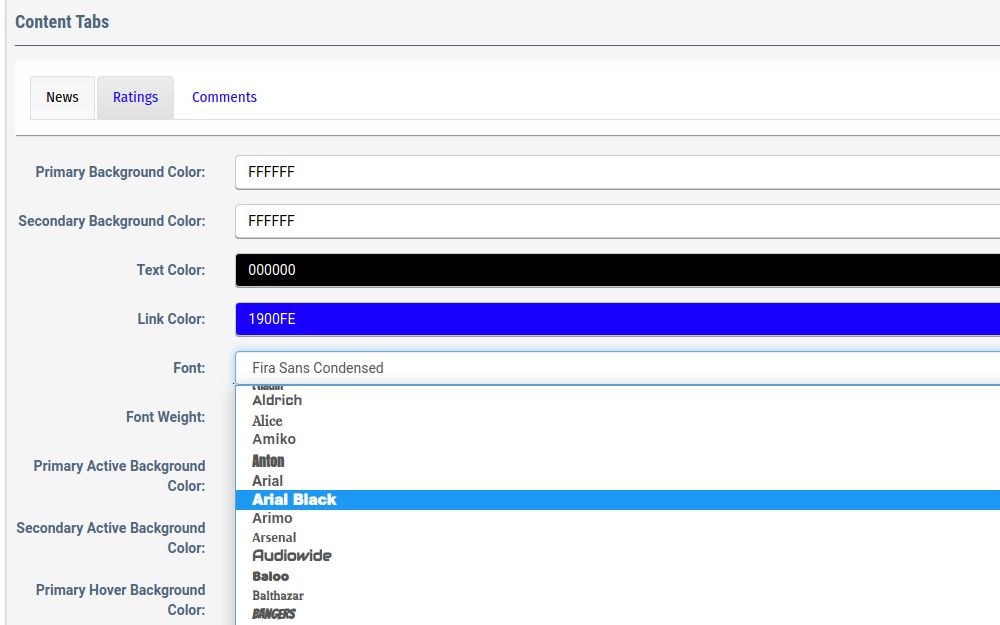
The style editor allow you to change the colors, fonts, and overall appearance of each element of the default theme. You see the results instantly on the style editor page.
The style editor supports elements like background colors with gradients, text and link colors, borders, drop shadow, fonts, or font weight. You edit everything starting from the header, footer, middle section, notifications, and forums. There is also an option to add custom CSS to the editor.
Some style elements such as the main content are also available with dark mode settings for users that are using dark mode on their device.
Templates Driven
Contentteller is using an XML based template engine to store the HTML output of your website in the file system. The template engine is using a strong cryptographic encryption to protect the templates from potential hack attempts.
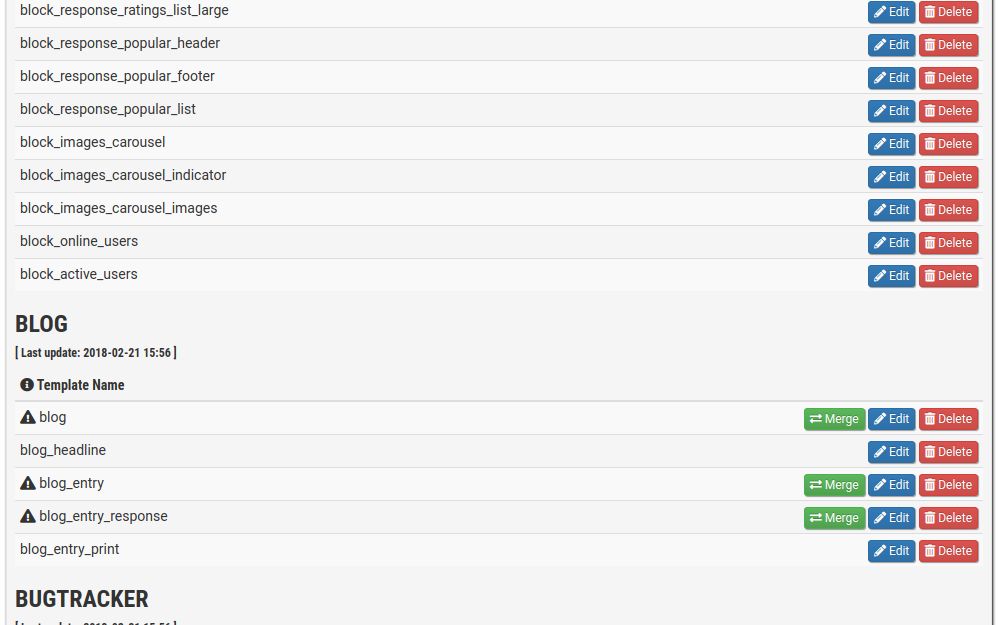
You can merge, edit, or delete any template in the templates overview. The merge option will show up if the template differs from the original default template set. This makes it much easier for upgrading to a new version.
You can also search the templates for specific code with the integrated search engine or add a new template to the set.
There is also an option to synchronize all templates against the default template set as well options to lock and unlock the templates set. Unlocking the template set will decrypt all templates so you can download and transfer the template set to a different Contentteller based website.
Customize the HTML Output
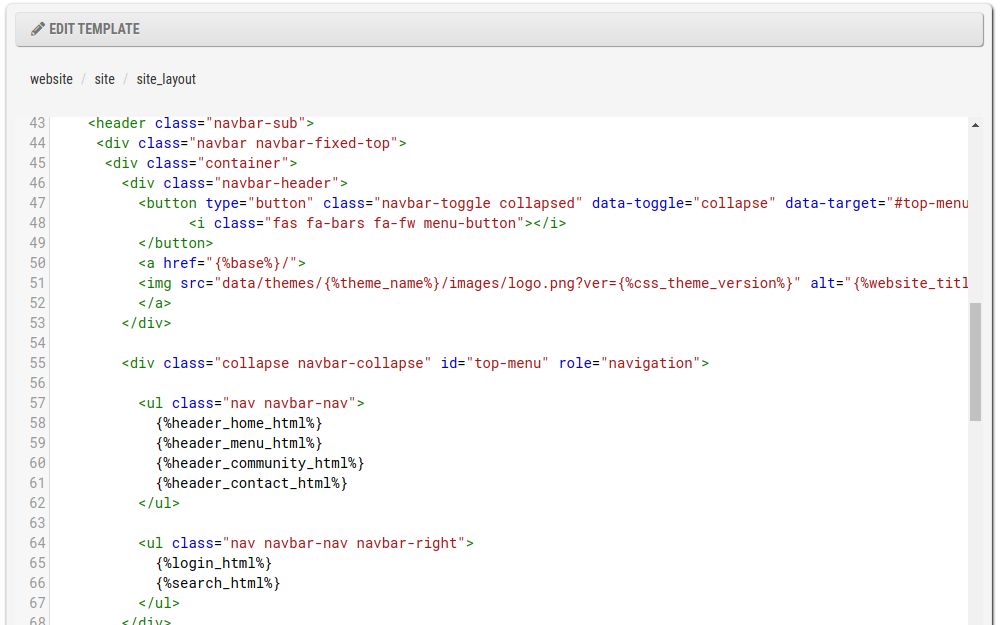
You can easily customize the entire HTML output of the website with the template editor.
The template editor has full HTML5 syntax support and highlights any possible code mistake. Contentteller will also automatically clean up the HTML code of new/updated templates with the Tidy extension (if installed).
The HTML code of the default template based on the hugely popular Bootstrap framework, which has a wide range of options including a mobile friendly responsive layout with a grid system.
You can also create new templates that can be used in conjunction with the new content types for the Publish or Response modules.
GDPR Compliant Placeholders
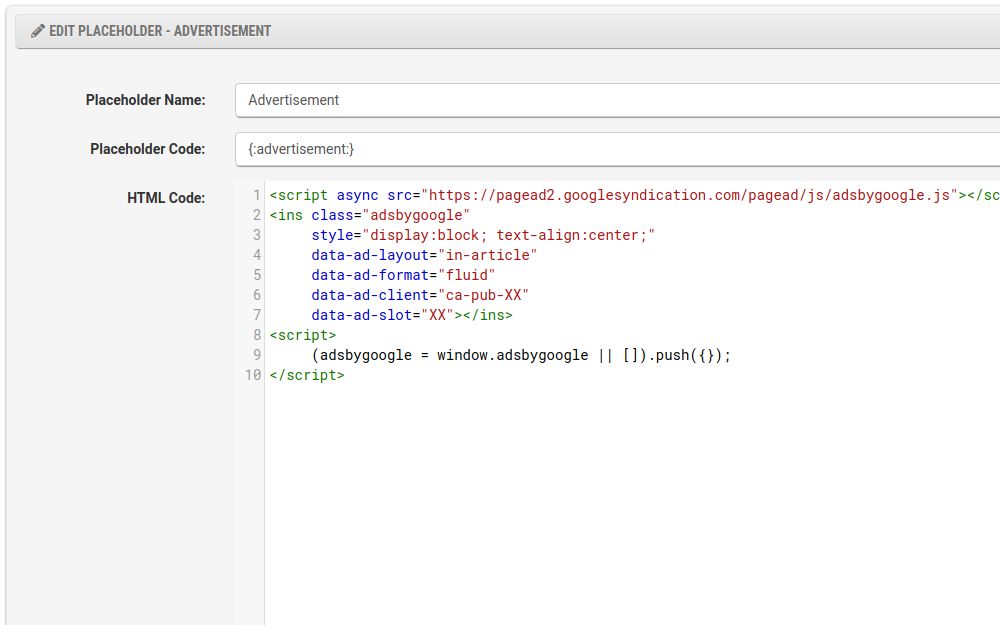
The template engine supports also placeholders. For example, you can use the placeholders for ad code or other things you want to reuse.
Once you have added a placeholder, you can use the placeholder code everywhere you want. The placeholders are working in both templates and in your content.
You can also set permission for the placeholder to show it only to certain usergroups. You can create a paid user group and provide an ad-free experience for your paid subscribers.
The placeholders supports also the EU cookie consent state. You can limit placeholders with tracking cookies only to users that have given cookie consent. This makes it easier to provide an annoying free experience for your EU visitors.