

Installing Contentteller on your webspace is fairly easy. Ensure that your webspace meet the minimum system requirements:
Minimum System Requirements
- PHP 5.6, 7.0, 7.1, 7.2, 7.3, 7.4, 8.1, or 8.2
- MBSTRING support enabled
- JSON support enabled
- OpenSSL support enabled
- ionCube Loader 13 or higher
- SQLite 3.28+, or MariaDB 10+, or MySQL 5.6+, or PostgreSQL 8.6+
- Apache with mod_rewrite or IIS with URL Rewrite Module. Other webservers may work but need custom rewrite configurations.
Installing Contentteller
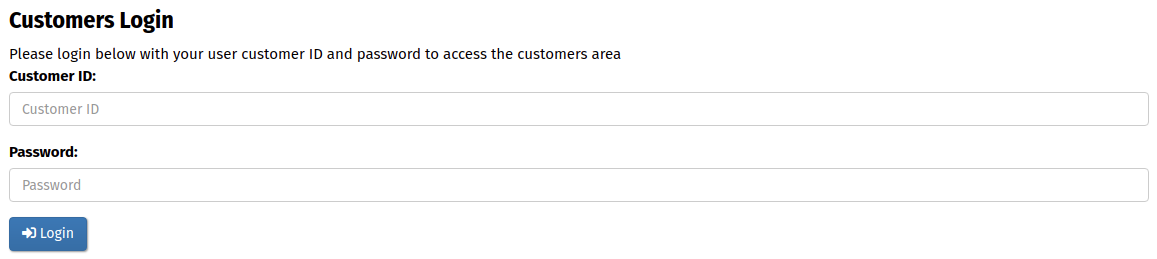
Download the latest release from the customer area or get the free starter edition and unzip it. If you downloaded the started edition previously, you find the login information for the customers area in the logininfo.txt in the zip file.
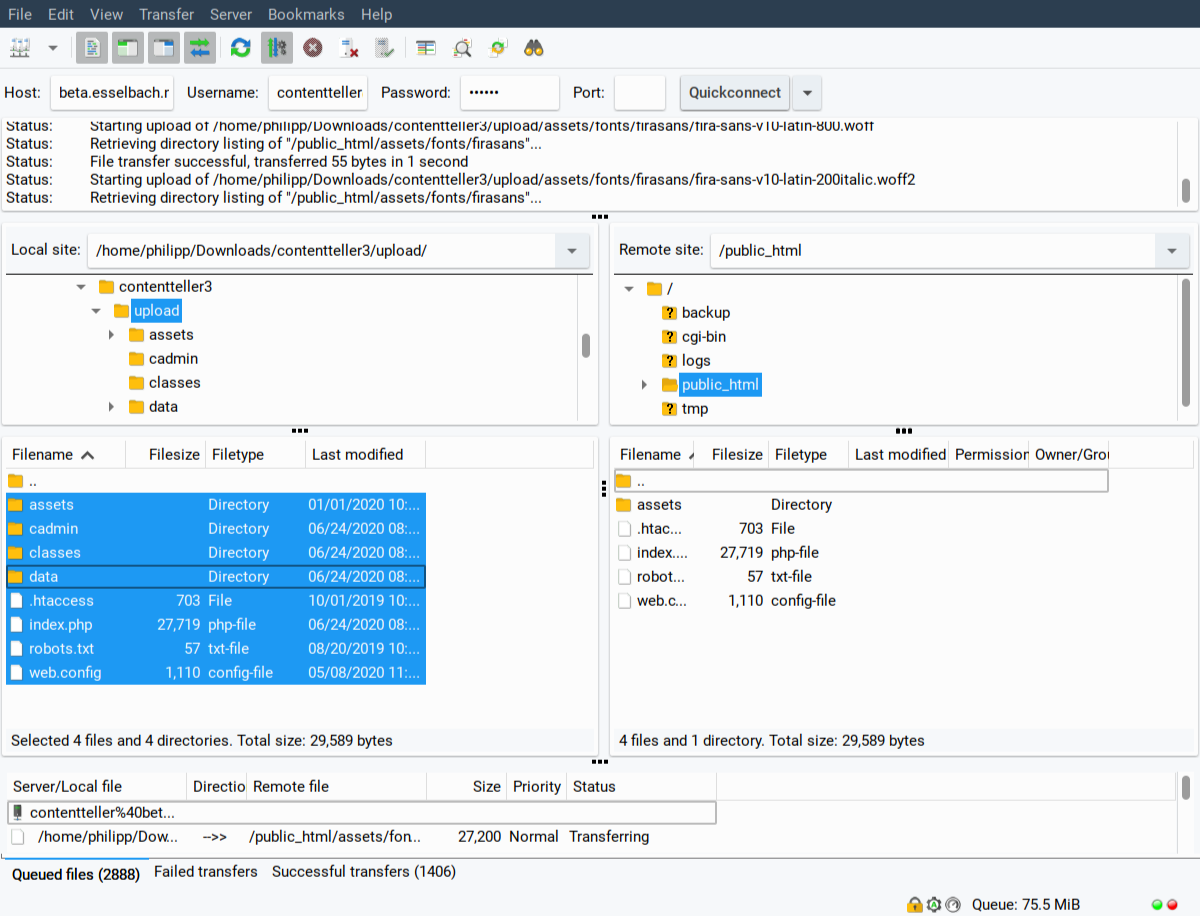
Next, upload it to the desired location on your web server
Open your browser and navigate to the installation location. The Contentteller installer will start.
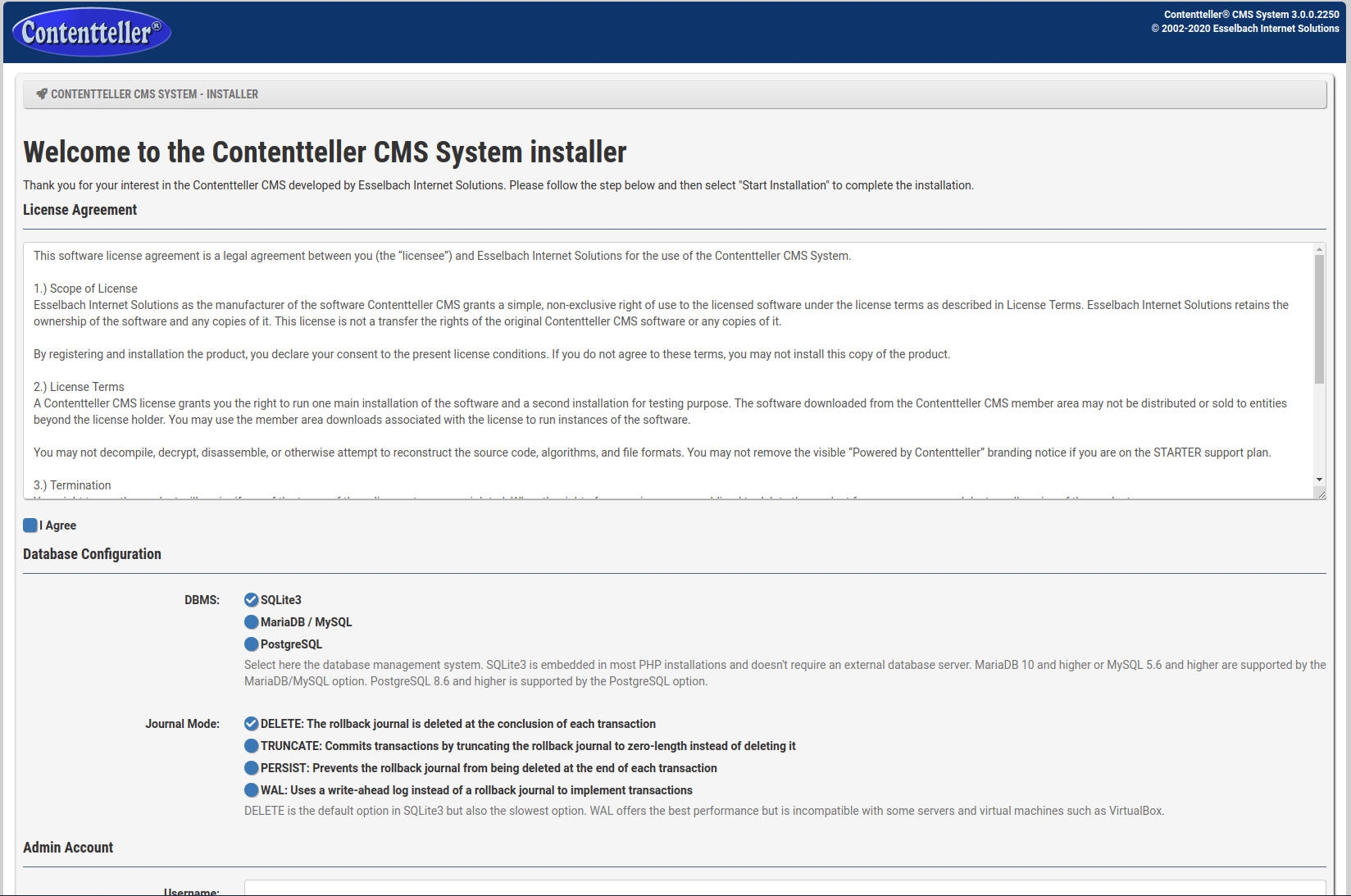
Database Configuration
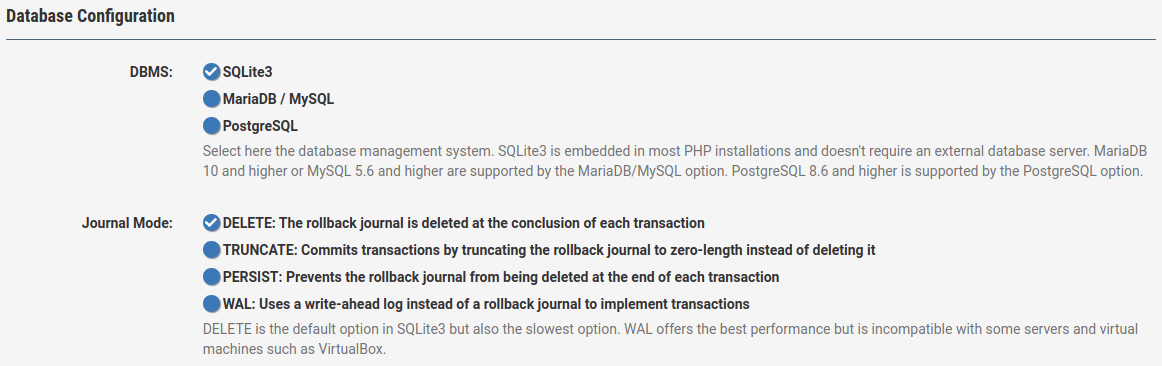
Select the database system. Contentteller supports SQLite 3.28 and higher, MariaDB 10 and higher, MySQL 5.6 and higher, or PostgreSQL 8.4.3 and higher. Please note that the free starter edition is only supporting SQLite. You can upgrade to a different support plan and DBMS later.
SQLite is a good solution for small websites and doesn't require an external database server. SQLite support four different journal modes: DELETE, TRUNCATE, PERSIST, and WAL. The WAL option offers the best performance but is not compatible with all web server. The default DELETE is the most compatible.
MariaDB/MySQL is a solid solution for all sizes of websites. You need to fill in the hostname, database name, database username, database password, and an optional database prefix. You should get all the required information from your webhosting provider.
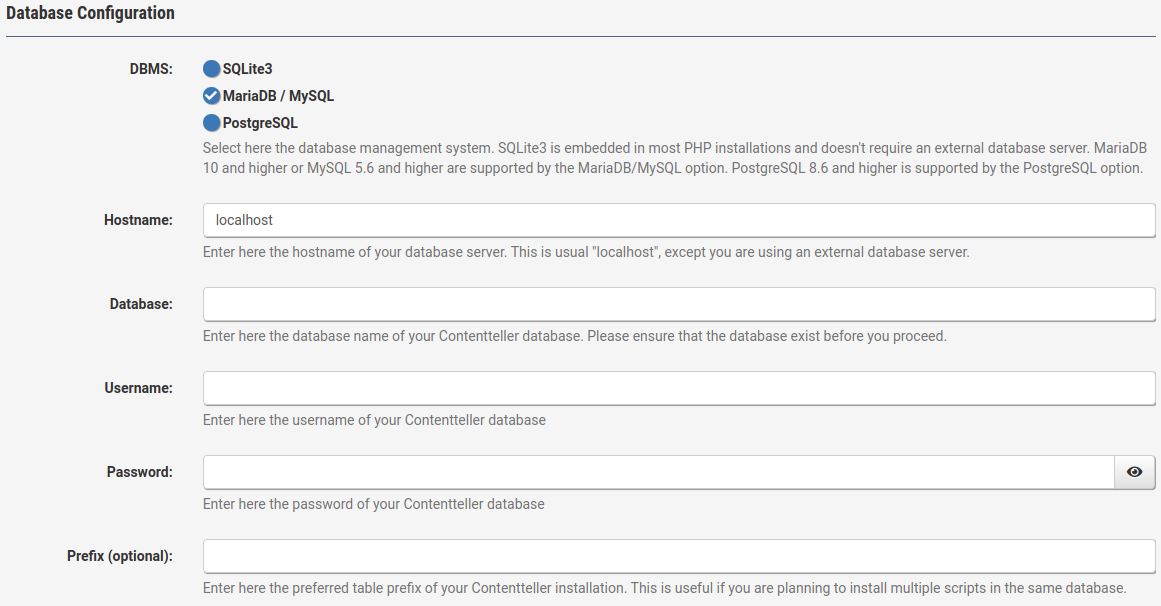
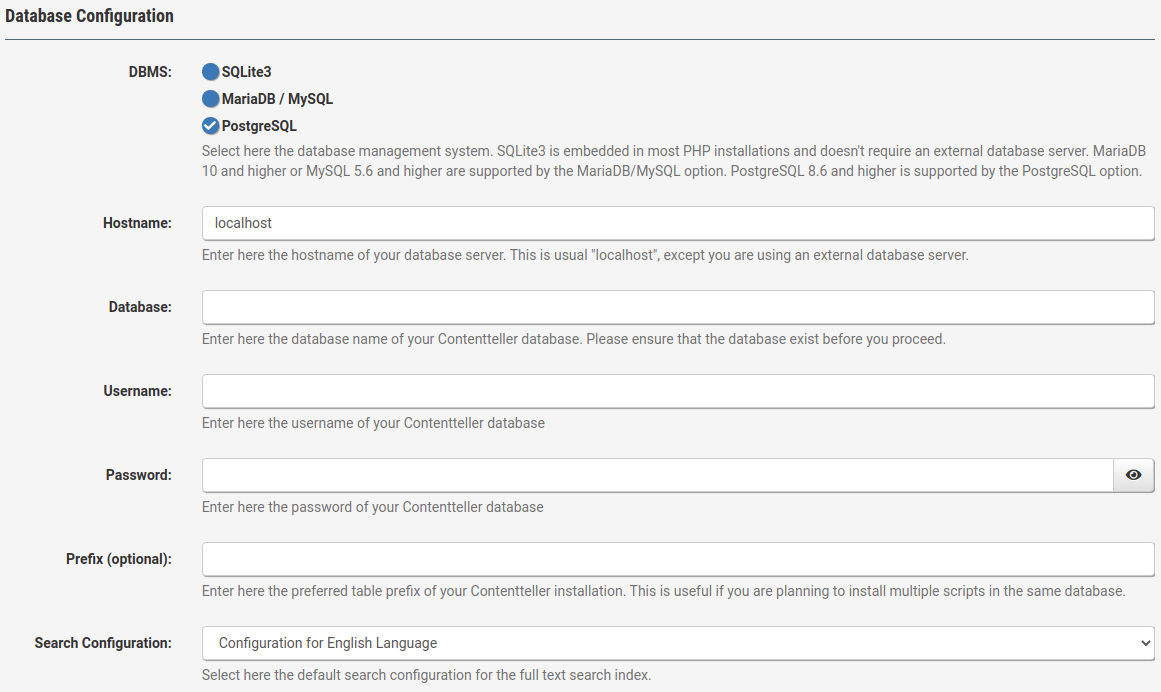
PostgreSQL is another solid solution for mid to high traffic websites. The setup is similar to MariaDB/MySQL but you also need to specify a search configuration for the full text search.
Admin Account
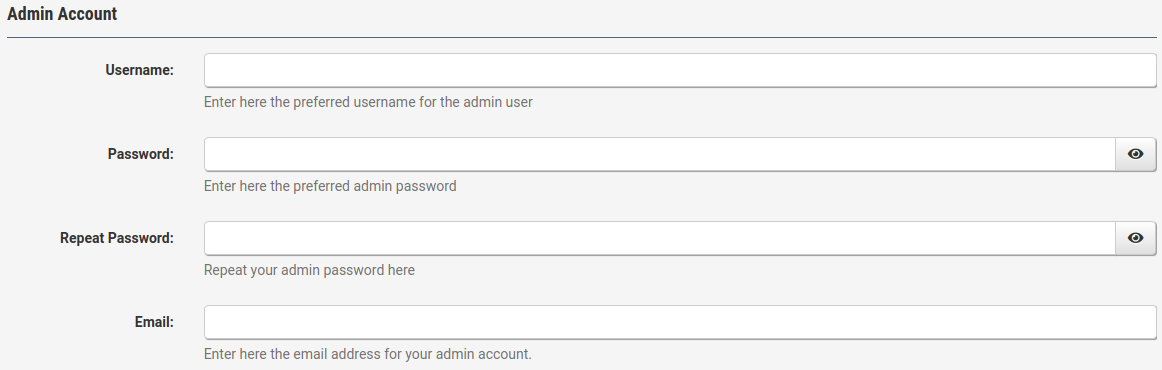
Next you need to setup a username, password, and email for your admin account. The admin account is the account you need to manage your website.
Website Information
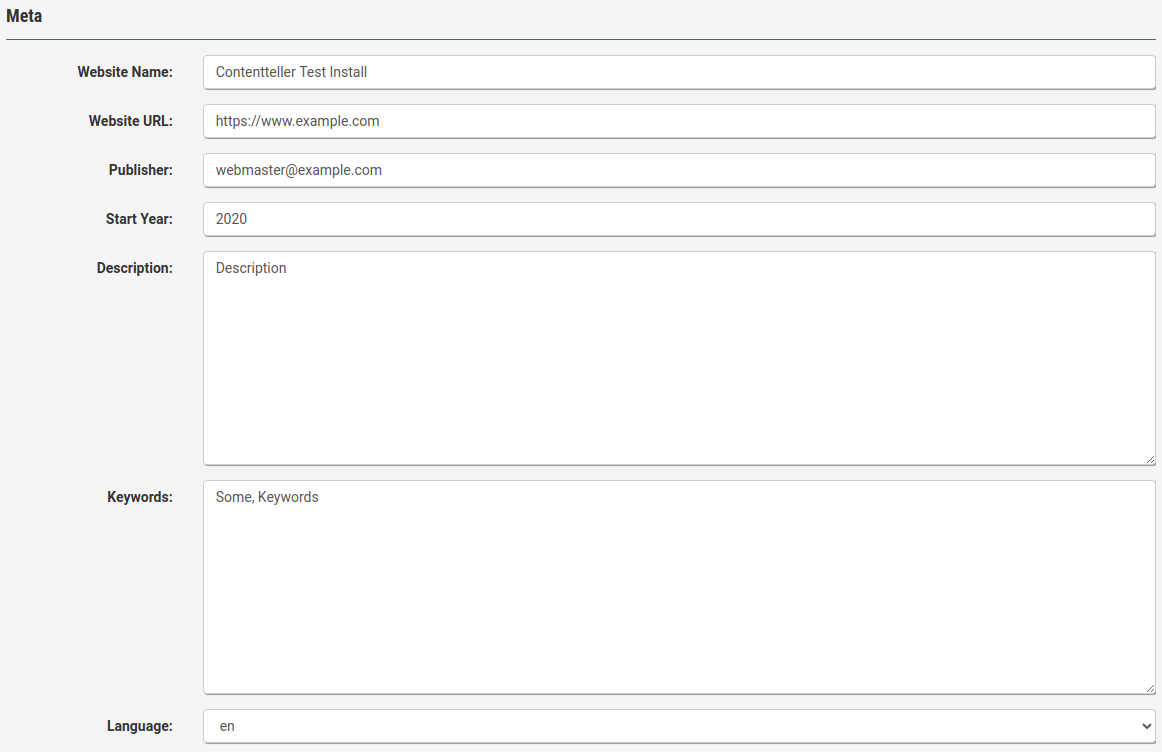
Now you can set the website information. You need to enter the website name and URL. Publisher and start year will be used in the copyright line to your copyright. Description and keywords will set the corresponding Meta tags. Finally, you can select the install language.
Now click on start installation to start the installation. This takes usual a few seconds to complete.
Finished! You can access the admin control panel from the following URL www.example.com/cadmin/ (replace example.com with your domain name).
To import data from an older version of Contentteller or another product, open the following URL www.example.com/cadmin/acquire3.php in your browser to access the acquire import tool. Acquire can import data from various products. For more information read: Importing data from your old website with the Acquire import tool.